UX guide

Website Chat CTA That Opens WhatsApp

A website chat CTA that opens WhatsApp gives visitors a direct path from your page to a WhatsApp conversation, usually with fewer steps than a form or on-site live chat. It fits businesses that already answer in WhatsApp and want a no-code contact shortcut that works on both desktop and mobile.

This guide shows what this CTA is, who it fits, how to launch it, where to place it, and when opening WhatsApp is smarter than keeping the visitor inside a generic site chat box.

What you get

A faster route from page intent to message intent

  • A visible CTA that sends visitors straight to WhatsApp.
  • A lighter contact pattern than a full live chat stack.
  • A clear fit for quote requests, pre-sales questions, and local service leads.
  • An easier no-code workflow for teams already using WhatsApp.
Website chat CTA that opens WhatsApp
Why this matters

The CTA should match the conversation channel

If your team already answers in WhatsApp, opening WhatsApp directly removes an extra handoff. The visitor sees a clear next step, and your site avoids pretending the conversation will stay inside a complex live chat box when the real destination is a messaging app anyway.

Best fit

Useful for service pages, high-intent traffic, and lean sales flows

This approach works best when visitors want quick answers and your team prefers app-based messaging. If you need a broader button setup first, see how to add a WhatsApp button to your website and browse the YourChat blog for related contact UX topics.

No-code setup

Can you do it without coding?

Yes. On most websites you can add one script or embed field, choose the WhatsApp destination, and control the CTA text or launcher style without rebuilding templates. That makes this a strong fit for small business sites, agency-managed pages, and brochure sites that need faster contact without a custom chat implementation.

If you are deciding between a single WhatsApp entry point and a broader multi-channel widget, compare this with WhatsApp Button for Website and How to Add Messenger Buttons to Website.

Step by step

How to launch a website chat CTA that opens WhatsApp

  1. Choose the page goal. Decide whether the CTA belongs on service pages, pricing pages, local landing pages, or the contact page.
  2. Set the WhatsApp destination. Confirm the number and message route you want visitors to reach before you publish the CTA.
  3. Choose the CTA format. Use a floating launcher, a sticky button, or an inline section CTA depending on how strong the page intent already is.
  4. Add the script once. Place the snippet in the theme footer, custom code field, or site-wide embed area.
  5. Test desktop and mobile behavior. Check that the CTA opens correctly, remains visible, and does not clash with sticky bars or consent banners.
  6. Review the first click path. Make sure the CTA text clearly tells the visitor that clicking it will open WhatsApp.
Platform guidance

WordPress, Shopify, Wix, Webflow, Joomla, and HTML sites

WordPress and Joomla

Use a theme-level code area or lightweight snippet placement so the CTA stays consistent across templates. If you only need the WhatsApp route, a direct script is usually cleaner than another large chat plugin.

Shopify and Wix

Place the CTA in the custom code area or a theme-level embed and test product, service, and checkout-adjacent pages. Make sure the CTA does not conflict with buy buttons or fixed mobile controls.

Webflow and HTML sites

These setups are often straightforward because you can add the script once and control the experience globally. For Webflow and plain HTML, this is one of the simplest ways to keep the CTA light and predictable.

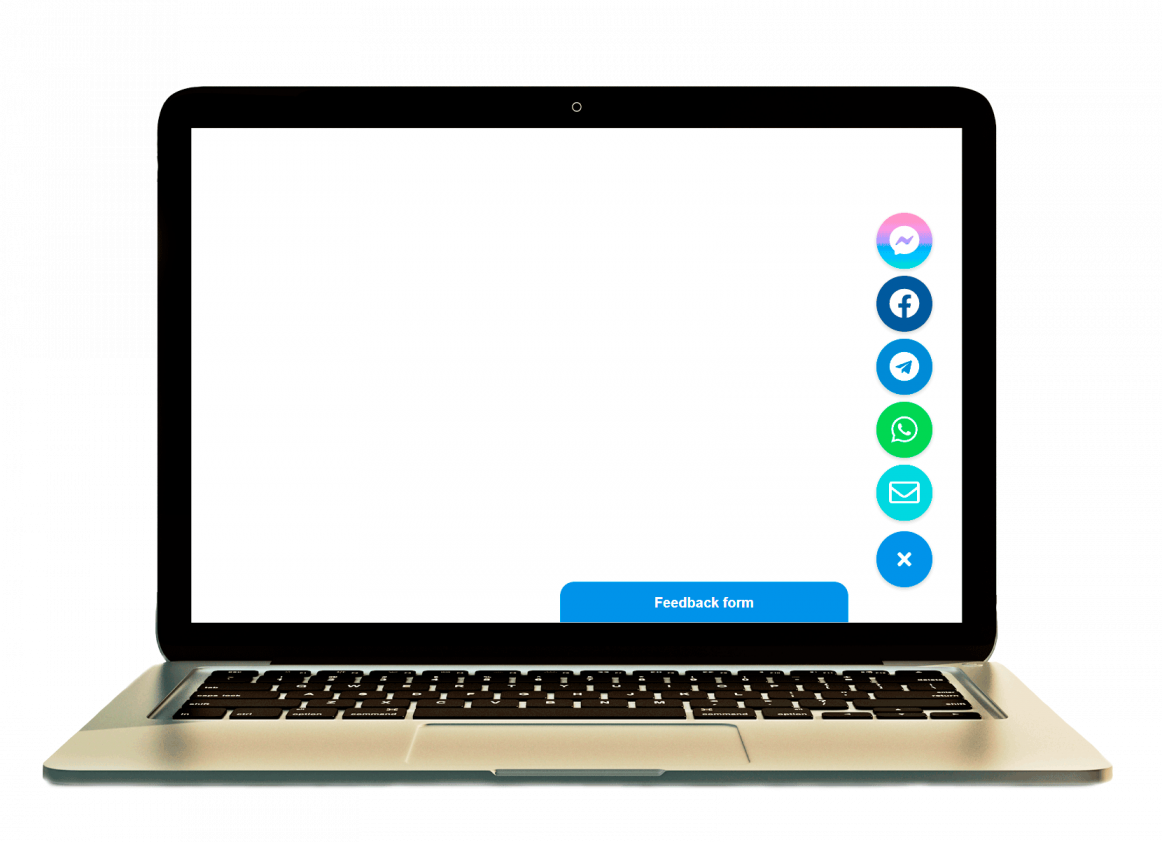
WhatsApp CTA placement example on a website
Placement and UX

Make the CTA visible before you make it loud

A WhatsApp CTA works best when the visitor understands what will happen after the click. Keep the action easy to spot, but do not let it cover the main content or compete with every other fixed element on the page.

  • Use a clear label such as “Chat on WhatsApp” instead of a vague “Message us” if the click leaves the site context.
  • Keep one primary CTA style per page so the visitor does not choose between duplicate chat prompts.
  • Test the bottom corner carefully on mobile where sticky bars and cookie notices often overlap.
  • Use inline CTA sections on high-intent areas when the visitor has already read pricing, service details, or FAQs.

For a broader placement framework, also read Floating Chat Widget for Website.

Comparison block

WhatsApp CTA vs on-site chat vs contact form

WhatsApp CTA

Best when your team already works in WhatsApp and wants the shortest path from website interest to conversation.

On-site chat box

Better when you want the conversation to stay inside the website experience and need a more traditional live chat flow.

Contact form

Better when leads need to send structured details, longer messages, or files before the conversation starts.

If the real reply channel is WhatsApp, a website CTA that opens WhatsApp is usually cleaner than mimicking a heavy live chat layer. If you need a more generic widget approach first, compare this page with How to Add a Chat Widget to Your Website Without Coding.

Objection handling

When should you not open WhatsApp directly?

Do not force every visitor into WhatsApp if the page asks for structured information, files, or formal support requests. A direct WhatsApp CTA is strongest when the first step is a short question, booking intent, or lead qualification. If the page needs longer forms, keep the form. If the page needs ongoing support inside the site, an on-site chat layer may fit better.

Common mistakes

What usually goes wrong

  • Using CTA copy that does not tell visitors the click opens WhatsApp.
  • Adding a floating CTA and a separate inline CTA everywhere until the page feels cluttered.
  • Ignoring desktop behavior and assuming only mobile visitors will click WhatsApp.
  • Placing the CTA on top of cookie notices, sticky buy buttons, or form fields.
  • Sending traffic to a WhatsApp route that the team does not monitor consistently.
Quick checklist

Before you publish

  • The CTA text clearly says it opens WhatsApp.
  • The click path works on both desktop and mobile.
  • The CTA does not block other fixed interface elements.
  • The WhatsApp destination is correct and actively monitored.
  • The page still has a clear main CTA besides the chat shortcut when needed.
FAQ

Frequently asked questions about a website chat CTA that opens WhatsApp

What is a website chat CTA that opens WhatsApp?

It is a button, widget launcher, or contact action on your site that sends the visitor directly into a WhatsApp conversation instead of opening a full live chat inside the page.

Can I add a website chat CTA that opens WhatsApp without coding?

Yes. In many cases you only need one script or embed field, then you manage the CTA text and behavior without editing every page again.

Will a WhatsApp CTA work on mobile and desktop?

Usually yes. Mobile often opens the app directly, while desktop can open WhatsApp Web or prompt the visitor to continue there.

Should I use a plugin, app, or direct script for this setup?

If your platform allows custom code, a direct script is usually the lighter option. Use a plugin or app only when the platform makes that path easier to maintain.

Is a WhatsApp CTA better than an on-site live chat box?

It is often better when your team already replies in WhatsApp and wants less friction between the website and the conversation. A live chat box still fits if you need the conversation to stay on-site.

Where should I place a website chat CTA that opens WhatsApp?

Use a floating corner position for consistent visibility or an inline CTA near high-intent sections. The best placement is the one that stays easy to notice without hiding content or competing with the main page action.

For more related ideas, browse the YourChat blog.

Final CTA

Launch a cleaner WhatsApp chat CTA for your website

If your visitors are ready to ask short pre-sales or service questions, give them a direct WhatsApp path that feels obvious, lightweight, and easy to use on any device.