Commercial setup guide

No-Code Website Widget for Customer Messages

A no-code website widget for customer messages is a small script-based contact layer you place once on your site, then manage from a dashboard. It gives visitors a faster way to start a message on desktop or mobile without rebuilding your pages, which makes it a practical fit for small businesses, agencies, and service websites.

This guide explains what the widget does, who it fits, how to launch it in a few steps, how to place it cleanly, and how to avoid turning a simple contact shortcut into a distracting page element.

What you get

A cleaner customer message entry point

  • One visible contact option that stays easy to find.
  • No need to rebuild existing pages or forms.
  • Works well for fast questions, quote requests, and simple lead capture.
  • Usually lighter than a full live chat setup.
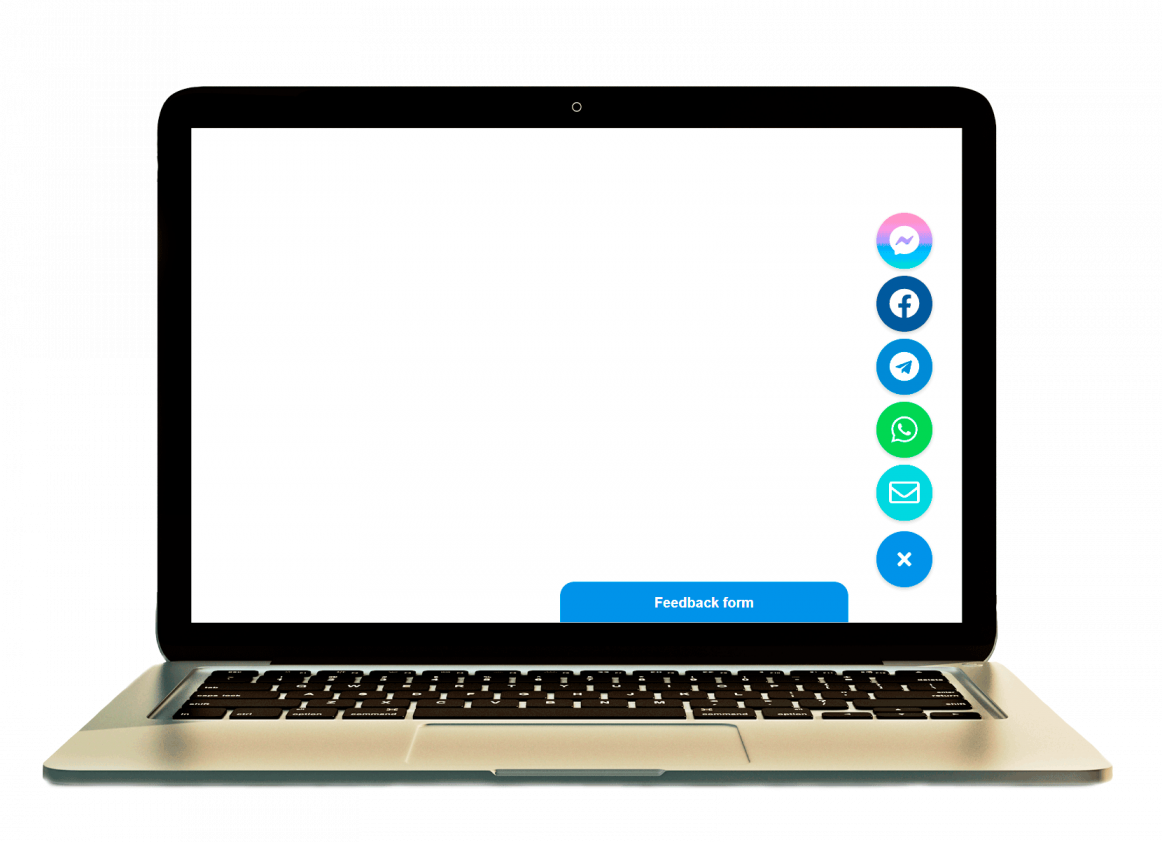
Preview of a website widget for customer messages
Why this matters

Visitors act faster when contact feels immediate

A message widget removes extra steps between interest and contact. Instead of asking every visitor to open a separate contact page or fill a longer form first, you keep the conversation entry point visible at the moment they are ready to ask a question.

Best fit

Useful for service pages, local businesses, and lean teams

This setup is usually strongest when you want faster pre-sales conversations, cleaner mobile contact, and a no-code launch path. If you need a broader overview first, see how to add a chat widget to your website without coding.

No-code setup

Can you do it without coding?

Yes. In most cases you add one widget script to your site and then manage the appearance, message destination, and visibility rules without editing the site again. That is why no-code message widgets are popular on brochure sites, simple ecommerce stores, and agency websites where the owner wants more contact options without a custom build.

If you want a broader multi-channel setup, compare this page with how to add messenger buttons to a website. If your main concern is placement, the closest companion guide is floating chat widget for website.

Step by step

How to launch a no-code customer message widget

  1. Choose the message goal. Decide whether the widget is mainly for quick questions, quote requests, booking intent, or general customer contact.
  2. Set the destination. Configure the contact route you want visitors to reach when they click the widget.
  3. Pick the display style. Use a floating widget or button that stays visible without overpowering the page.
  4. Add the script once. Place the generated code in your global footer, theme code area, or platform custom code field.
  5. Test desktop and mobile behavior. Confirm that the widget opens correctly, stays visible, and does not overlap cookie banners or CTA bars.
  6. Review key pages. Check the homepage, main service pages, pricing pages, and contact page before you consider the setup finished.
Platform guidance

WordPress, Shopify, Wix, Webflow, Joomla, and HTML sites

WordPress and Joomla

Use a theme code area, header-footer script field, or lightweight snippet method. A direct script is usually cleaner than stacking another heavy plugin if you only need the widget itself.

Shopify, Wix, and Webflow

These platforms usually work best when you place the widget through custom code or a theme-level embed area. Test cart, checkout-related banners, and mobile sticky elements after publishing.

Custom HTML sites

HTML sites are often the easiest because you can place the script before the closing body tag and keep the rest of the layout unchanged. This is one of the simplest no-code implementation paths.

Customer message widget placement example on a website
Placement and UX

Keep the widget visible, not intrusive

The bottom-right corner is the default because it stays familiar and easy to find, but it is not always the right answer. The real goal is to keep the widget accessible without covering navigation, legal banners, or important calls to action.

  • Use one primary position across the site so the widget feels predictable.
  • Leave space around cookie notices, sticky buy buttons, and mobile bottom bars.
  • Check service pages and long-form landing pages where scrolling behavior changes.
  • Do not let the widget hide core content or fight with your main CTA.
Comparison block

Widget vs contact form vs live chat

Message widget

Best when your main goal is fast customer contact with fewer clicks and a lighter setup path.

Contact form

Better when leads need to send more detail, longer explanations, or structured enquiry data.

Live chat

Useful when you need a dedicated support workflow, agents, or more complex real-time handling, but it is usually heavier than a simple message widget.

If your audience already expects app-based contact, a no-code message widget often wins on speed and simplicity. For a WhatsApp-specific path, compare this guide with how to add a WhatsApp button to your website.

Common mistakes

What usually goes wrong

  • Adding the widget without testing on a real phone.
  • Using a plugin or app first when a lighter direct script would do the job.
  • Placing the widget where it overlaps other sticky elements.
  • Sending visitors to the wrong message destination or an unmonitored channel.
  • Treating the widget like a decoration instead of a conversion element that needs real review.
Quick checklist

Before you publish

  • The widget opens the correct customer message route.
  • The placement works on both desktop and mobile.
  • The widget does not block forms, cookie notices, or other fixed elements.
  • The setup is live on the key pages where visitors are most likely to contact you.
  • The page still has a clear main CTA besides the widget.
FAQ

Frequently asked questions about no-code customer message widgets

What is a no-code website widget for messages?

It is a script-based contact widget you add once to your site, then manage without custom development. It gives visitors a visible path to start a message without changing your whole page layout.

Can I set up a website widget for customer messages without coding?

Yes. On most sites you only need a single snippet or embed field. After that, updates happen in the widget settings rather than in the page source.

Will the widget work on mobile and desktop?

Usually yes, but you still need to test both. Desktop placement can look perfect while mobile placement collides with sticky bars or consent banners.

Should I use a plugin, app, or direct script?

If the platform allows custom code, a direct script is usually the cleaner choice. Use a plugin or app only when the platform workflow makes that route easier.

Is a message widget better than a contact form?

For quick customer messages and fast lead capture, often yes. For longer, more structured enquiries, a form still has value.

Where should I place a customer message widget on a website?

The bottom-right corner is the usual starting point, but the best position is whichever stays visible without blocking important content or competing with the main page CTA.

For more setup ideas after this page, browse the YourChat blog.

Final CTA

Launch a no-code website widget for customer messages

If your goal is cleaner contact, faster questions, and a lighter customer message flow, start with a simple widget setup and test it on the pages that already bring buying intent.