DO YOU NEED A PLUGIN TO ADD WHATSAPP TO A WEBSITE

A practical decision guide for plugin-free WhatsApp setup

Usually no. If your website lets you add one script, snippet, or custom code block, you can place a WhatsApp button without installing a plugin. Use a plugin only when your platform makes script placement awkward, locked down, or harder to maintain than a simple widget embed.

This page explains who should skip plugins, when a plugin still makes sense, and how to choose a cleaner WhatsApp setup for common website platforms.
Preview of a floating WhatsApp button layout on a website
WhatsApp button preview shown on a website

WHY THIS PLUGIN DECISION MATTERS

because the wrong setup adds extra maintenance before you even publish the button

A WhatsApp button should make contact easier, not turn into one more plugin to update, debug, or style around. If a clean script does the job, it is often the faster route for small business sites, landing pages, agency builds, and simple service websites.
can you do it without coding
Most websites only need one script, not a plugin stack
Code snippet used to place a WhatsApp button without a plugin
place one snippet once, then manage the button separately

If your site accepts a footer script, custom embed, tag manager snippet, or theme-level code field, you can usually skip plugins entirely and still keep the setup no-code.

Website contact options including a WhatsApp button
STEP BY STEP

How to add a WhatsApp button without relying on a plugin

1. Check whether your website can accept a script, code embed, or footer snippet.

2. Create the WhatsApp button and connect the right destination.

3. Choose a clean floating position before you publish.

4. Paste the generated script once at theme or site level.

5. Test desktop and mobile behavior, then only consider a plugin if the script route is blocked.
Fast setup icon for adding a WhatsApp button to a website

Less setup friction

People are more likely to message you when the contact option appears exactly where they need it and the setup behind it stays easy to maintain.
Customization icon for a floating WhatsApp button

Cleaner page behavior

A good WhatsApp button should stay visible without covering key content, cookie notices, sticky bars, or the main CTA.
Mobile-friendly icon for a website WhatsApp button

Works across devices

Check the final position on both screen sizes because a floating WhatsApp button that works on desktop can still clash with mobile UI, sticky bars, or consent banners.
Compatibility icon for WhatsApp button setup on CMS platforms

Fits common site builders

If your site lets you insert a script or code snippet, you usually do not need a plugin on WordPress, Shopify, Wix, Webflow, Joomla, or custom HTML sites.

Platform guidance: when a plugin helps and when it does not

The answer changes slightly by platform, but the rule is consistent: use the lightest setup that gives you stable placement and easy updates.

For WordPress, start with theme settings, a header-footer code field, or a lightweight snippet tool. A full WhatsApp plugin is usually unnecessary unless your team insists on plugin-based admin workflows.

For Shopify, use theme customization or the theme code area before adding another app. If one script can publish the button, an extra app is often overhead.

For Wix and Webflow, a custom code embed is usually enough. A platform-specific app only makes sense when the site owner cannot touch global code settings.

For Joomla and HTML sites, a direct script is usually the cleanest route because you control placement more precisely and avoid platform-specific add-on maintenance.

Platform checklist
  • WordPress: try script placement before installing a WhatsApp plugin
  • Shopify: prefer theme-level placement over another app when possible
  • Wix and Webflow: use custom code and test the published mobile view
  • Joomla and HTML: insert one script close to the closing body tag
  • All platforms: keep the lightest setup that you can still maintain easily

WHAT THIS PAGE COVERS

The best setup is the one that stays simple after launch

This guide covers when a plugin is worth it, when a script is cleaner, how placement affects click-through, and why extra tooling can slow down a basic WhatsApp button project.

For hands-on setup, read how to add a WhatsApp button to your website, compare WordPress without a plugin, or browse more implementation notes in the YourChat blog.

Example of a floating WhatsApp button on a website

PLACEMENT AND BEHAVIOR

Where the WhatsApp button should live on the page
The bottom-right corner is usually the strongest default, but the real rule is simpler: keep the button visible, do not hide key content, and make sure it behaves correctly on mobile.

1

PRIMARY CTA POSITION

1

SCRIPT TO INSTALL

5

MINUTES TO LAUNCH
Floating website WhatsApp button layout with messaging options
Keep the click path short and obvious

three common ways to add a WhatsApp button

WHICH OPTION FITS YOUR SITE BEST

Option 1

LINK

basic manual setup

Use a direct WhatsApp link if you only need a simple text or icon link and do not care about floating placement, visibility rules, or design control.
fastest to publish, weakest for presentation and control

Option 3

PLUGIN

depends on platform

CMS-specific
Use a plugin or app only when your platform blocks script placement, your team needs plugin-based control, or the site owner cannot manage theme-level code safely.

Plugin vs script for a WhatsApp button

A plugin is not automatically better just because it is packaged for your CMS. If a single script can place the button cleanly, the script route usually wins on speed, maintenance, and layout control.
Choose a plugin when the site owner is only comfortable with plugin workflows, when custom code access is restricted, or when the platform makes script placement unreliable. Choose a script when your goal is simple: add a visible WhatsApp button with less overhead.
If you want to compare contact formats, continue with contact form vs WhatsApp button, review the full WhatsApp setup guide, or browse more examples in the YourChat blog.
extra lead capture layer

Add a fallback for visitors who will not use WhatsApp

Even if WhatsApp is your main shortcut, some visitors still prefer email or forms. Keep one fallback path so a plugin decision does not become the only contact strategy on the page.
This is especially useful on service pages, quote pages, and longer-enquiry flows where visitors may need more space than a quick message.

Website contact form shown as a fallback next to a WhatsApp button setup
QUICK CHECKLIST

Before publishing, confirm the button opens the correct WhatsApp destination, the script route is really unavailable before you install a plugin, the placement clears sticky UI, and the final click path works on both desktop and mobile.

  • One script installed in the right global location
  • Correct WhatsApp destination connected
  • Bottom spacing checked against cookie bars and sticky CTAs
  • Mobile and desktop click path tested end to end
  • Fallback contact option kept available for longer enquiries

Best pages to place the WhatsApp button on

Homepage

Use it here when first-time visitors often need a quick WhatsApp question answered before they continue browsing or comparing options.

Service pages

High-intent pages are often the strongest place for a WhatsApp button because the visitor is already considering action.

Contact page

If your contact page already collects leads, adding a WhatsApp button gives people a faster alternative without replacing the existing path.

Frequently asked questions about WhatsApp plugins and scripts

Do I need a plugin to add WhatsApp to my website?

Usually no. If your website accepts a script, code embed, or footer snippet, a script-based WhatsApp button is usually the cleaner setup.

Can I add a WhatsApp button without coding?

Yes. Most no-code setups only require pasting one generated script into your site once, then managing the button from the hosted widget settings.

Will a WhatsApp button work on mobile and desktop?

It should, but you still need to test both layouts. A floating button can look fine on desktop and still collide with cookie notices or sticky mobile UI.

Should I use a plugin, script, or direct link?

Use a direct link for the simplest possible shortcut, a script for the best balance of control and low maintenance, and a plugin only when your platform or workflow really needs it.

Which platforms usually do not need a WhatsApp plugin?

WordPress, Shopify, Wix, Webflow, Joomla, and custom HTML sites usually do not need one if they already support code embeds, snippets, or theme-level scripts.

Is a WhatsApp button better than a contact form?

For fast pre-sales questions, often yes. For longer enquiries, quote requests, or structured project briefs, keep a contact form as the fallback path.

Need the hands-on setup next? Read the full WhatsApp button guide, compare the WordPress no-plugin route, or continue in the blog guides.

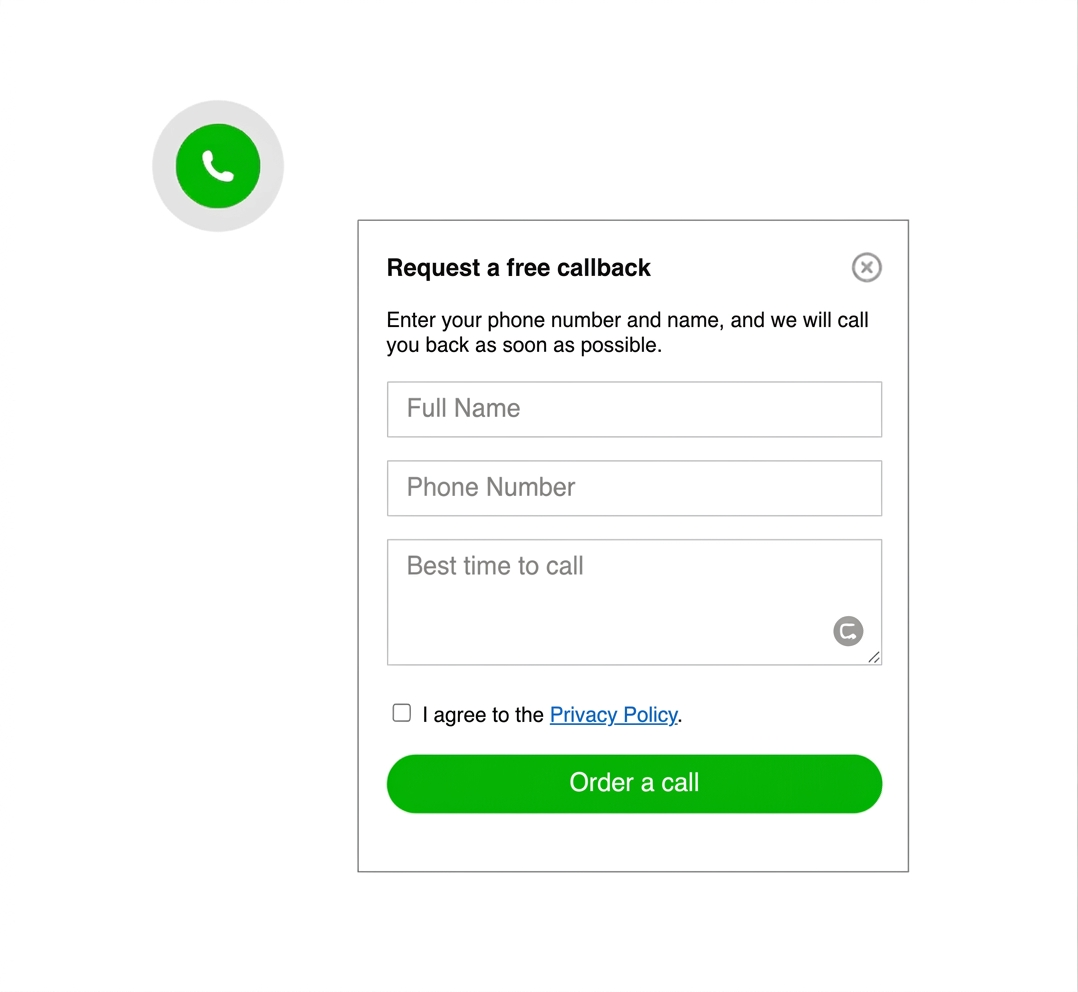
Callback widget example shown as an alternative contact option on a website
common mistakes to avoid

Do not add a plugin just because it exists

keep the setup lighter than the problem

avoid duplicate plugins, overlapping sticky UI, wrong WhatsApp destinations, and plugin-heavy workarounds for a one-button task

The most common mistake is overbuilding. If one script would do the job, extra plugin layers can create more maintenance, more styling conflicts, and more reasons to postpone launch.

this decision framework works with almost any website

If your platform lets you insert a script, custom HTML, or a footer snippet, you can usually add a WhatsApp button without installing a plugin. That includes custom sites, simple HTML landers, and common CMS platforms.