
HOW TO ADD TELEGRAM BUTTON TO WEBSITE
A practical pillar guide built on the same YourChat layout
Learn how to place a Telegram button on your site, where it should appear, what setup works best, and how to launch it without rebuilding your page layout
Use this page as a step-by-step overview before you place your first Telegram button or widget script.


WHY ADD A TELEGRAM BUTTON TO YOUR WEBSITE
because fast messaging works better when the contact option already feels natural
A Telegram button reduces friction in your contact flow. Instead of pushing every visitor into a form or a heavy live chat popup, you give them a direct route to a messaging app they already use on mobile and desktop.
simple setup path
You do not need to rebuild the page to add a Telegram button

add one script once, then control the Telegram button from your account
That is the cleanest way to add a Telegram button without custom development. Your page structure stays intact while the contact layer is managed separately and can be updated without editing the whole page again.

How to add a Telegram button in a few practical steps
Create the widget, connect your Telegram destination, choose the placement, and copy the generated script.
Then place that script on your website once and test the button on both desktop and mobile so visitors reach the right chat route immediately.
Then place that script on your website once and test the button on both desktop and mobile so visitors reach the right chat route immediately.

Familiar for visitors
People are more likely to message you when the contact option already feels familiar on their phone and easy to continue on desktop.

Clean placement
A good Telegram button should stay visible without covering key content, cookie notices, or the main CTA.

Mobile and desktop ready
Check the final position on both screen sizes because a button that works on desktop can still clash with mobile UI, sticky bars, or consent banners.

Works across CMS platforms
If your site lets you insert a script or code snippet, this setup usually works on WordPress, Joomla, Shopify, Webflow, Wix, and custom HTML sites without a custom Telegram integration.
WHAT THIS PAGE COVERS
Adding the button is only one part of getting it right
The real result depends on the contact flow, placement, visibility, and whether the visitor reaches the right Telegram destination with as little friction as possible.
If you also want a second messenger option, see How to Add a WhatsApp Button to Your Website. For more long-form guides, browse the YourChat blog.

PLACEMENT AND BEHAVIOR
Where the button should live on the page
The bottom-right corner is usually the strongest default, but the real rule is simpler: keep the button visible, do not hide key content, and make sure it behaves correctly on mobile.
1
1
5

Keep the click path short and obvious
extra lead capture layer
Add a fallback for visitors who do not use Telegram
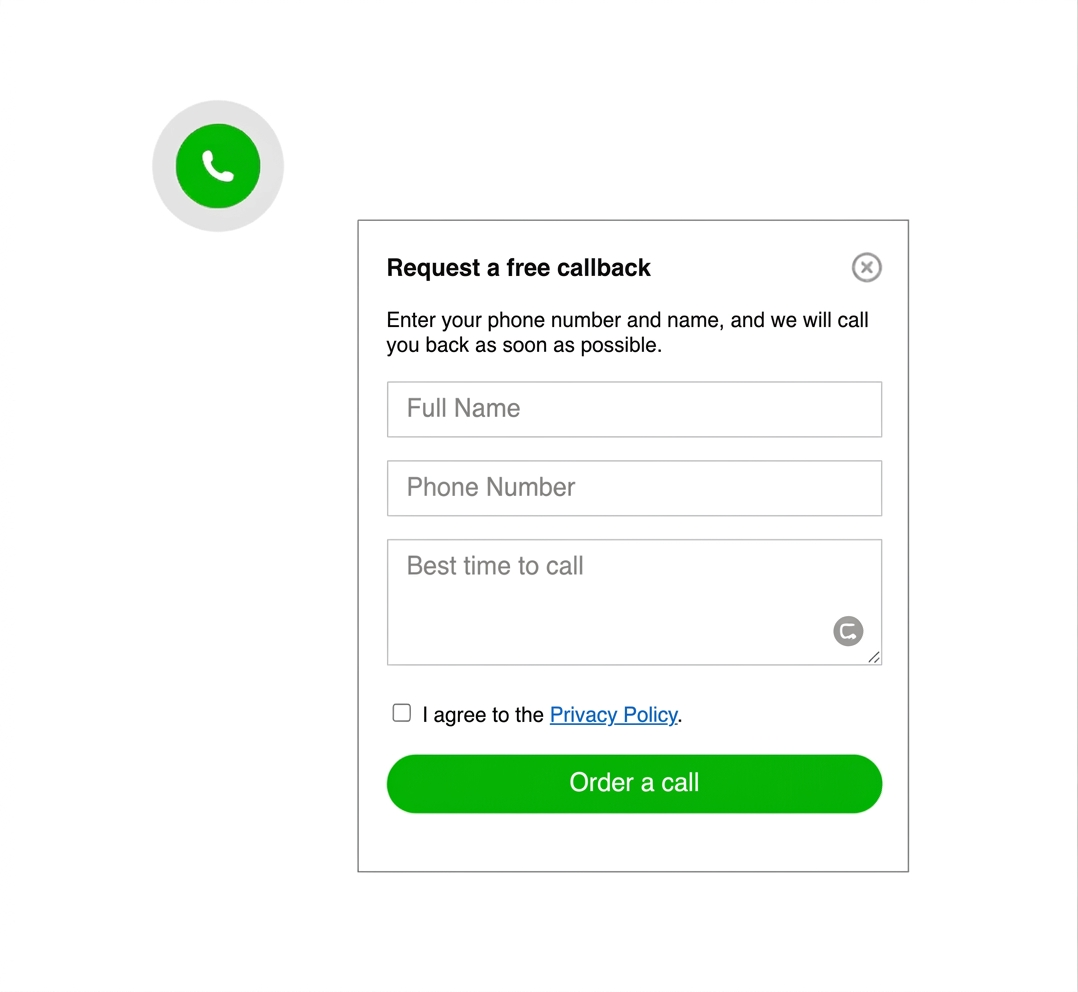
Not every visitor wants to open a messenger. A secondary contact form keeps the page useful for email-first leads and longer enquiries.
This is especially useful on service pages where users may want to explain their case in more detail before starting a chat.

common mistakes to avoid
Do not let the button fight the page
keep it visible, but never intrusive
The most common mistake is not technical. It is poor placement. If the button blocks content, jumps on mobile, or opens the wrong contact route, people lose trust and stop clicking.